
Razorpay Settlement Reconciliation: Match Payouts to Invoices Automatically
A Razorpay payout is never the sum of your invoices. Fees, GST on fees, refunds and timing all sit between the two. Here is how to reconcile them, by hand and then automatically.

On this page
Key takeaways
- A settlement bundles many payments, minus Razorpay's fee and 18 percent GST on that fee, minus refunds, so the bank credit never equals invoice totals.
- The payment id and the order id are the only reliable keys; customer name and amount alone produce false matches.
- Your GST liability is on the full invoice value, not on the net settled amount; the fee is an expense on which you can claim ITC against Razorpay's invoice.
- Automated reconciliation matches payment ids to invoices and leaves only the exceptions, usually refunds and unlinked payments, for a person to resolve.
Reconciling Razorpay settlements is the step that turns a bank credit into confirmed revenue. Without it, you know money arrived, but not which invoices it paid, which fees were deducted, or whether a refund quietly reduced this week's payout. With it, every invoice has a payment, every payment has a settlement, and the difference between the two is explained line by line.
This guide explains what a settlement contains, why it never equals your invoice total, how to match the two by hand, and how to automate the matching so that only the exceptions need attention. It is written for businesses that issue GST invoices and collect through Razorpay payment links, payment pages, checkout or a website integration.
If you are still deciding what document to issue when a Razorpay payment lands, read Razorpay receipt vs GST tax invoice first; reconciliation assumes the invoice exists.
What a settlement actually contains
A settlement is one bank transfer from Razorpay covering many customer payments captured in a cycle. In the Razorpay dashboard, each settlement has an id beginning with setl_, a settled-at date and time, a UTR you can find on your bank statement, and a breakdown.
The breakdown is where the reconciliation lives. For each payment in the settlement you get:
- The payment id (
pay_...), which is the key you will match on. - The order id (
order_...) if the payment was made against an order, and the payment link or page id if it came from one of those. - The gross amount the customer paid.
- The fee Razorpay charged on that payment.
- The tax, which is GST at 18 percent on that fee.
- Any refund (
rfnd_...) or adjustment netted in the cycle. - The
notesfield, which carries whatever you attached at payment time, such as your invoice number.
The settlement amount is the sum of gross amounts, minus the sum of fees and tax, minus refunds and adjustments. Razorpay exposes all of this in the Settlements report (Reports section of the dashboard) and through the settlements and payments API.
Gross is your revenue, net is your cash
Your GST invoices are for the gross amount. The settlement is the net. Every reconciliation error we see comes from confusing the two at some point in the chain, usually by booking the bank credit as sales.
Why the payout never equals the invoice total
Four things sit between an invoice and the money in the bank.
Fees and GST on fees. Razorpay's fee depends on the payment method and your plan. On top of it, GST at 18 percent is charged. For a Rs 10,000 payment at a 2 percent fee, the fee is Rs 200, the GST on it Rs 36, and the settled amount Rs 9,764. Your invoice is still Rs 10,000 plus GST on your supply.
Timing. A payment captured on a Friday afternoon may settle on the following Tuesday. Invoices are dated when issued; settlements are dated when paid out. A month-end cut-off will always leave some invoices paid but not yet settled.
Refunds. A refund is deducted from the next settlement after it is processed, not from the settlement that carried the original payment. A refund on 3 September against an August payment reduces a September payout.
Disputes, holds and failed payments. A chargeback places the amount on hold, and a payment that was authorised but not captured never settles at all. Both show up as an invoice with no matching payment.
| Item | Appears in | Effect on reconciliation |
|---|---|---|
| Customer payment | Payments report, settlement breakdown | Matches one invoice, or part of one |
| Razorpay fee | Settlement breakdown, Razorpay's monthly tax invoice | Expense; reduces settlement, not sales |
| GST on fee | Settlement breakdown, Razorpay's tax invoice, your GSTR-2B | ITC claimable once accepted in IMS |
| Refund | Refunds report, later settlement | Credit note against original invoice |
| Dispute or hold | Disputes section | Invoice remains unpaid until released |
| On-demand settlement | Settlements report with its own fee | Extra fee line to record |
Manual reconciliation: settlement report to invoices
If your volume is a few dozen payments a month, a spreadsheet works. The order matters.
- Download the Settlements report for the month from the Razorpay dashboard, with the payment-level breakdown, as CSV.
- Download the Payments report for the same month, so you also see payments captured but not yet settled.
- Export your invoices for the month from your billing system with invoice number, date, customer, gross amount and, if you store it, the Razorpay payment id or order id.
- Match on payment id first. If your checkout or payment link stored the invoice number in
notes, or your billing system stored the payment id on the invoice, this step resolves most rows. - For the remaining rows, match on order id, then on amount and date together, and finally on amount and customer email. Flag anything matched on amount alone for review, because two customers paying Rs 1,180 on the same day is common.
- Sum fees and tax by settlement and check against Razorpay's tax invoice for the month. The totals should agree; if not, an on-demand settlement or a dispute fee is usually the difference.
- List refunds, match each to its original payment id, and confirm a credit note exists against the corresponding invoice.
- Whatever is left is an exception: an invoice with no payment, a payment with no invoice, or a partial payment. Resolve each one and write down the reason.
The result is three reconciled totals: invoices issued, payments captured, and settlements received, with the bridge between them made of fees, tax, refunds and timing.
| Line in the bridge | Source | Sign |
|---|---|---|
| Invoices issued in the month | Billing system | Start |
| Less: invoices unpaid at month end | Invoice register | Minus |
| Less: payments captured but not yet settled | Razorpay payments report | Minus |
| Less: Razorpay fees | Settlement breakdown | Minus |
| Less: GST on fees | Settlement breakdown | Minus |
| Less: refunds netted in the month | Refunds report | Minus |
| Add: payments for prior-month invoices settled this month | Settlement breakdown | Plus |
| Equals: settlements received | Bank statement UTRs | End |
Once the bridge balances, the sales figure for GSTR-1 is the first line, not the last. The GSTR-3B filing guide covers where the fee ITC and the output tax then land.
Fields to capture at payment time so matching is possible later
- Invoice number in the payment `notes` or as the order receipt
- Customer GSTIN for B2B customers, so the invoice can carry it
- Customer email and phone, consistent with the invoice
- One payment link per invoice rather than one link reused for many
The matching keys, and the ones that fail
The payment id is unique and never changes, so it is the primary key. The order id is unique per order and useful when one order has a failed attempt followed by a successful payment, because both attempts share the order id and only the captured one settles.
The keys that fail are the ones that look convenient:
- Amount. Round amounts repeat across customers, and a fee-inclusive amount on a payment page differs from the invoice amount.
- Customer name. Card payments carry the cardholder's name, which is not always the invoiced party.
- Date. Payment date, capture date and settlement date are three different days.
The fix is to make the link at the moment the payment is created. When a payment link or order is generated from an invoice, put the invoice number in the receipt or notes field. When a payment is captured, store its id on the invoice. Reconciliation then becomes a lookup rather than a search.
Refunds, partial payments and disputes
Refunds need a credit note, not a deleted invoice. Under Section 34 the credit note references the original invoice, is reported in GSTR-1 Table 9B, and must be declared by 30 November following the end of the financial year of the original supply or the date of the annual return, whichever is earlier. The refund's reduction in a later settlement is then matched to that credit note. The credit note and debit note guide covers the document itself.
Partial payments arise when a customer pays a payment link twice for different amounts, or pays part now and part later. Match both payment ids to the same invoice and mark it paid only when the sum equals the invoice value.
Disputes leave an invoice paid on your side and on hold on Razorpay's side. Keep the invoice as issued, record the dispute, and reverse only if the chargeback succeeds, at which point a credit note is the right document.
Payments with no invoice are the exception most worth chasing, because each one is a supply that was not reported. Issue the invoice, dated as the rules require, and record the payment against it.
GST treatment: liability on gross, ITC on the fee
Two rules keep the tax side straight.
Your outward supply is the gross amount. GSTR-1 reports the invoice value and the tax on it, whether the customer paid by Razorpay, bank transfer or cash. If you sell for Rs 10,000 plus 18 percent GST, the taxable value is Rs 10,000 and the tax is Rs 1,800, regardless of the Rs 9,764 that settled.
The fee is your inward supply. Razorpay issues a tax invoice for its fees with GST at 18 percent. When that invoice appears in your GSTR-2B, accept it in IMS and claim the credit in GSTR-3B. If it does not appear, do not claim it; a fee deducted from a settlement is not by itself evidence of an eligible credit. The input tax credit guide sets out the conditions.
For marketplace sellers, note that Razorpay as a payment gateway is not the e-commerce operator that collects TCS under Section 52; that role belongs to the marketplace. The GST for e-commerce sellers guide explains where TCS shows up in your returns.
Do not book the bank credit as sales
Booking the settlement amount as revenue understates sales by the fee and GST on it, and hides refunds entirely. Book invoices as sales, payments against invoices, and the settlement as a transfer from Razorpay with fees and tax as separate expense lines.
Automating the matching
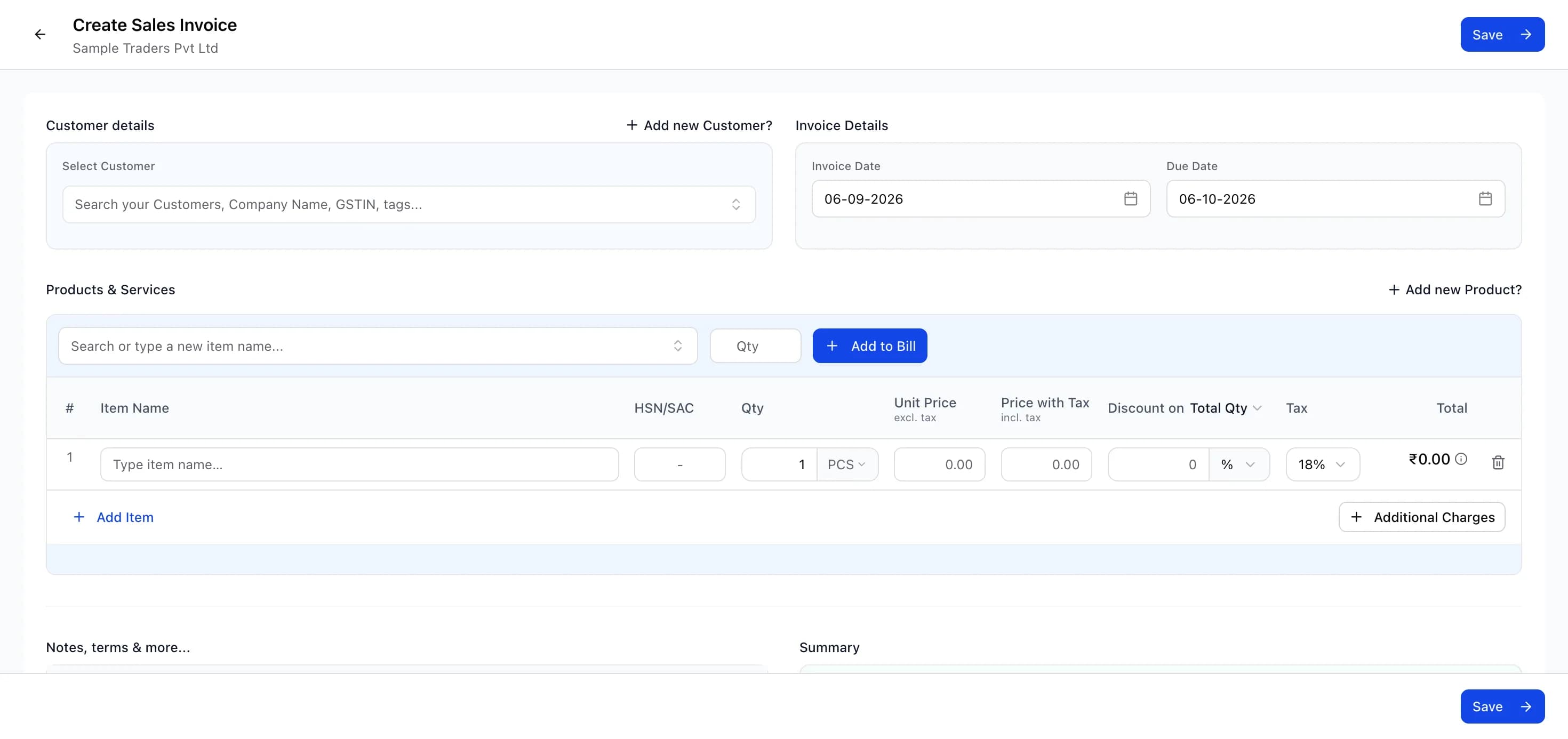
Automation replaces steps 4 and 5 of the manual process with an API lookup and leaves a person only the exceptions. The general shape, in a billing tool that integrates with Razorpay:
- Open Integrations or Settings, choose Razorpay, and connect with the API key id and secret from your Razorpay dashboard. Use a key with read access to payments and settlements.
- Enable payment links from invoices, so each link created from an invoice carries the invoice number as the receipt or in notes.
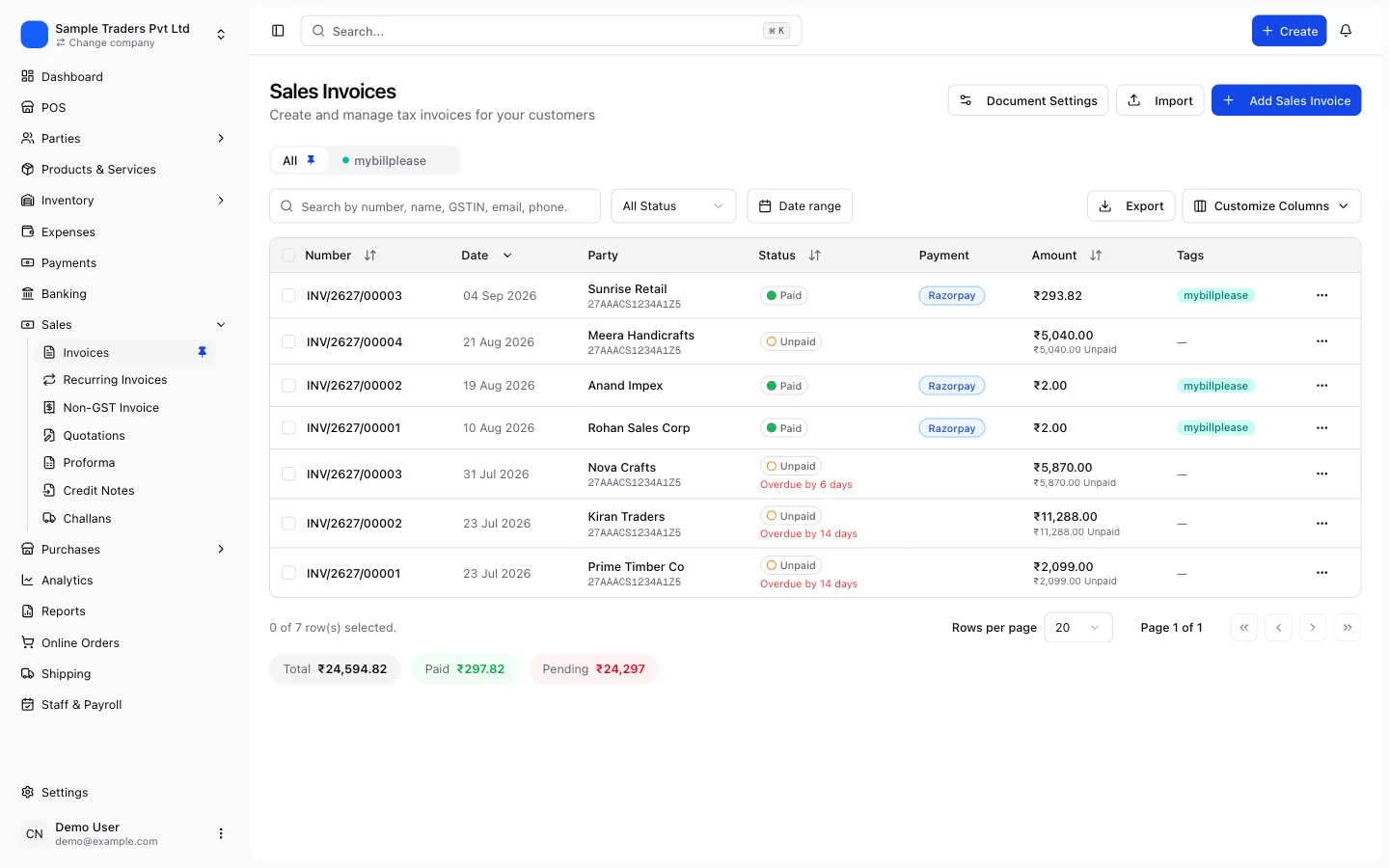
- Let the tool pull payments. Each captured payment with a known invoice number is marked against that invoice and the invoice status moves to paid.
- Let the tool pull settlements. Each settlement is recorded with its UTR, and the fee and tax per payment are stored against the matched invoice or as a separate expense entry, depending on how you account for them.
- Review the exceptions view. Payments without an invoice, invoices without a payment, and refunds without a credit note are listed for you to resolve.
- At month end, export the reconciled statement: invoices, payments, settlements, fees, tax and refunds, with the bridge between them.
myBillPlease includes Razorpay reconciliation on this pattern, alongside its automatic GST invoice per order and GSTR-1 and GSTR-3B preparation, so the payment id sits on the invoice from the start. The free plan covers 100 invoices a month for one user without a card.
Month-end routine
A reconciliation that runs every month is cheap; one that runs at year end is a project. Set aside an hour after the last settlement of the month and work through the following before GSTR-1 is due on the 11th.
Razorpay month-end reconciliation
- All settlements for the month downloaded and matched to bank statement UTRs
- Every captured payment matched to an invoice by payment id or order id
- Payments captured but not settled listed as receivable from Razorpay
- Refunds matched to credit notes, and the credit notes reported in GSTR-1 Table 9B
- Fee and GST on fee totals agree with Razorpay's tax invoice
- Razorpay's tax invoice present in GSTR-2B and accepted in IMS before claiming ITC
- Exceptions written up with a reason and an owner
The output feeds directly into your return. Sales for GSTR-1 come from invoices, credit notes from the refunds list, and ITC on fees from the accepted Razorpay invoice. A business that does this monthly rarely faces a mismatch query, because the invoices, the payments and the return all describe the same transactions.
Frequently asked questions
- What is Razorpay settlement reconciliation?
- It is the process of matching each amount Razorpay credits to your bank account with the customer payments inside it, and then matching those payments to the invoices you issued.
- Why is my Razorpay settlement less than my sales?
- Razorpay deducts its transaction fee and 18 percent GST on that fee before settling, and refunds issued in the cycle are also netted off. Disputes and holds delay some payments to a later settlement.
- How often does Razorpay settle?
- The standard domestic cycle is a couple of working days after the payment is captured, and the exact cycle depends on your account and payment method.
- Do I pay GST on the Razorpay fee?
- Razorpay charges GST at 18 percent on its fee, and it issues a tax invoice for those charges.
- Is my GST liability calculated on the settled amount?
- No. GST is on the value of the supply you invoiced to the customer, which is the gross amount they paid. The fee Razorpay retains does not reduce your taxable value.
- How do I reconcile refunds in Razorpay?
- A refund reduces a later settlement, not the one that carried the original payment.
- Can reconciliation be automated?
- Yes, when your invoicing tool can read Razorpay payments and settlements through the API and store the payment id on each invoice.